


Businesses and individuals no longer have to rely entirely on phone calls and physical visits to arrange deliveries. With online logistics platforms, you can enter your shipment details, request a service, arrange pickup and track the movement of your goods from one place.
For Nigerian businesses, the ability to book a shipment online can make regular deliveries easier to organise, particularly when sending parcels, e-commerce orders, documents or larger cargo between cities.
What You Need Before Booking a Shipment
Before starting an online shipment booking, have the basic information ready.
You will usually need:
- Pickup address
- Delivery address
- Sender’s contact details
- Recipient’s contact details
- Description of the goods
- Package weight
- Package dimensions where required
- Number of packages
- Preferred delivery date
- Delivery speed
- Declared value where applicable
Providing accurate information helps the logistics provider determine the appropriate service and transportation option.
For larger cargo, you may also need information about the cargo type, volume, loading requirements and preferred vehicle.
How to Book a Shipment Online
The exact process varies between platforms, but online shipment booking generally follows a simple sequence.
1. Enter the Pickup and Delivery Details
Start by entering where the shipment will be collected and where it needs to go.
For interstate deliveries, specify the correct city and state. For business deliveries, provide the complete warehouse, office or customer address rather than just the name of the area.
2. Describe the Shipment
Enter what you are sending and provide accurate weight and dimensions when requested.
This matters because the type and size of the shipment can determine which vehicle or delivery service is appropriate.
A small parcel does not require the same logistics arrangement as several cartons, pallets or commercial cargo.
3. Select the Delivery Option
Depending on the platform and route, you may have options such as:
- Same-day delivery
- Scheduled delivery
- Interstate delivery
- Parcel delivery
- Van transportation
- Truck haulage
- International shipping
Choose according to the urgency and size of the shipment rather than automatically selecting the fastest option.
4. Review the Price
Check the quotation before confirming the booking.
Look at what is included and whether additional charges may apply for things such as waiting time, special handling, extra stops or difficult access.
For business shipments, comparing the cost against the value and urgency of the cargo can help control logistics expenses.
5. Confirm the Booking
Once the details and price are correct, confirm the shipment and follow the platform’s payment process.
A booking confirmation should provide enough information to identify the shipment and follow its progress.
6. Prepare the Package for Pickup
Packaging should match the type of goods being transported.
Fragile products should have adequate protection, while documents and smaller parcels should be properly sealed and labelled.
For commercial shipments, make sure the number of cartons or packages matches what was entered during booking.
Why Online Shipment Booking Helps Businesses
Online booking can reduce the amount of time businesses spend arranging transportation.
Instead of repeatedly calling different drivers or logistics providers, a business can organise shipment details digitally.
It can also make it easier to maintain records of:
- Previous shipments
- Delivery addresses
- Costs
- Tracking information
- Pickup dates
- Delivery status
This becomes particularly useful for businesses that send multiple orders every week.
Book According to the Size of the Cargo
One common mistake is using the same delivery method for every shipment.
A clothing retailer sending two customer orders may need parcel delivery.
A wholesaler moving several cartons between Lagos and Abuja may need a van or truck.
A manufacturer moving heavy commercial cargo may require dedicated haulage.
Choosing the correct vehicle and service can prevent businesses from paying for unnecessary capacity or choosing transportation that cannot safely handle the shipment.
Don’t Enter Incorrect Shipment Information
Online booking systems rely on the information provided by the customer.
Incorrect information about weight, dimensions, quantity or destination can create problems later.
For example, entering a small parcel when the actual shipment consists of several large cartons can result in an unsuitable vehicle or a price adjustment.
Before confirming the booking, check the shipment details carefully.
Tracking Is Important After Booking
Booking is only the beginning of the shipment process.
A useful logistics system should provide information about the shipment after it has been accepted.
Depending on the service, businesses may be able to monitor stages such as:
Booking confirmed → Pickup assigned → Collected → In transit → Out for delivery → Delivered
Tracking can help businesses keep customers informed and prepare staff to receive incoming goods.
Travo.ng’s current platform describes shipment tracking, scheduling and delivery confirmation as part of its logistics services. (Travo Blog)
How Travo.ng Lets You Book a Shipment Online
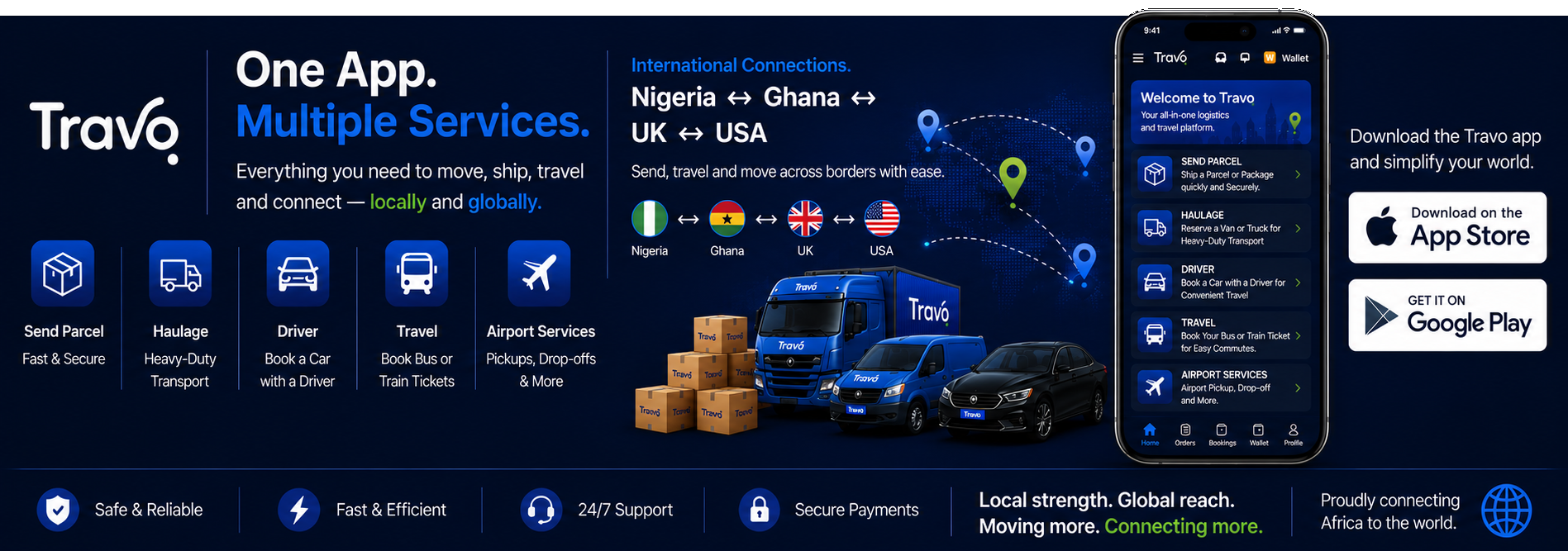
Travo.ng provides online booking for logistics services including parcel delivery, business deliveries and haulage.
Customers can enter their requirements, select the relevant service and arrange the shipment through the platform. Travo also provides WhatsApp support for customers who prefer to explain a shipment directly to a dispatcher. (Travo Blog)
For businesses, the platform covers different shipment sizes, from parcels and e-commerce orders to larger cargo and truck haulage.
Travo’s current service information also lists international shipping, warehouse and fulfilment, truck and haulage and other logistics services alongside domestic delivery. (Travo Blog)
This makes online booking useful when a business wants to arrange transportation without handling every part of the process through separate phone calls.
Booking Large Cargo Online
Online shipment booking is not limited to small parcels.
Businesses moving larger quantities can provide information about:
- Cargo type
- Weight
- Volume
- Pickup location
- Delivery location
- Loading requirements
- Preferred date
- Vehicle requirements
For heavy or oversized cargo, the provider may need additional information before confirming the appropriate truck or logistics arrangement.
The more accurate the information supplied at the beginning, the easier it is to match the shipment with the right transportation.
International Shipments Require More Information
Booking international freight is different from booking a local parcel.
Depending on the shipment, additional information can include:
- Country of origin
- Destination country
- Commercial invoice
- Packing list
- Cargo description
- Weight and dimensions
- Declared value
- Applicable customs information
- Import or export documentation
Travo.ng currently lists international shipping with air and sea freight and customs-clearance support among its services. (Travo Blog)
Businesses should nevertheless make sure they understand exactly which customs and regulatory responsibilities are included in a particular shipment.
Keep Your Booking Records
Businesses should retain shipment confirmations and delivery records.
A simple record can include:
- Booking date
- Shipment number
- Customer
- Origin
- Destination
- Cargo type
- Cost
- Delivery date
- Delivery status
This makes it easier to investigate delayed shipments, calculate delivery expenses and understand logistics performance over time.
For businesses with frequent deliveries, these records can also help identify routes that consistently cost more than expected.
Common Online Shipment Booking Mistakes
Avoid these mistakes when booking:
Wrong address: A missing house number or incorrect business location can delay pickup.
Wrong package size: Incorrect dimensions can result in an unsuitable service.
Incorrect weight: Understating weight may lead to additional charges or vehicle problems.
Poor packaging: The logistics provider cannot compensate for every packaging problem.
No recipient availability: Someone should be available to receive the shipment when delivery is scheduled.
Choosing speed unnecessarily: Express delivery may cost more when the shipment is not urgent.
Ignoring prohibited items: Always check whether the goods can legally be transported through the selected service.
When Online Booking Makes the Most Sense
Online shipment booking is particularly useful for:
- E-commerce businesses
- Retailers
- Wholesalers
- SMEs
- Manufacturers
- Offices sending documents
- Individuals sending parcels
- Businesses making regular interstate deliveries
For companies handling many shipments, having one system for booking, tracking and reviewing delivery records can make logistics easier to manage.
Make Every Shipment Count
Booking a shipment online should not simply be about finding the fastest vehicle.
Before confirming, make sure the shipment details are accurate, the packaging is suitable, the delivery address is complete and the selected service matches the cargo.
For businesses, the bigger advantage is consistency. When shipments are booked and tracked systematically, transportation becomes easier to budget, monitor and improve.
With platforms such as Travo.ng providing online booking, tracking and different transportation options, Nigerian businesses can organise everything from individual parcels to larger cargo movements through a more structured logistics process.
