

Updated 28 September 2026 · Travo.ng
Quick answer
To order an Uber in Lagos, download the Uber app and sign up with your phone number and email. Type your destination in the “Where to?” box and confirm your pickup point. Pick a ride option, check the upfront price and tap to request. Before you get in, check that the plate number, car model and driver photo match the app. Depending on your account and area, you can pay by card, cash or Uber Cash. You can also book up to 30 days ahead with Uber Reserve.
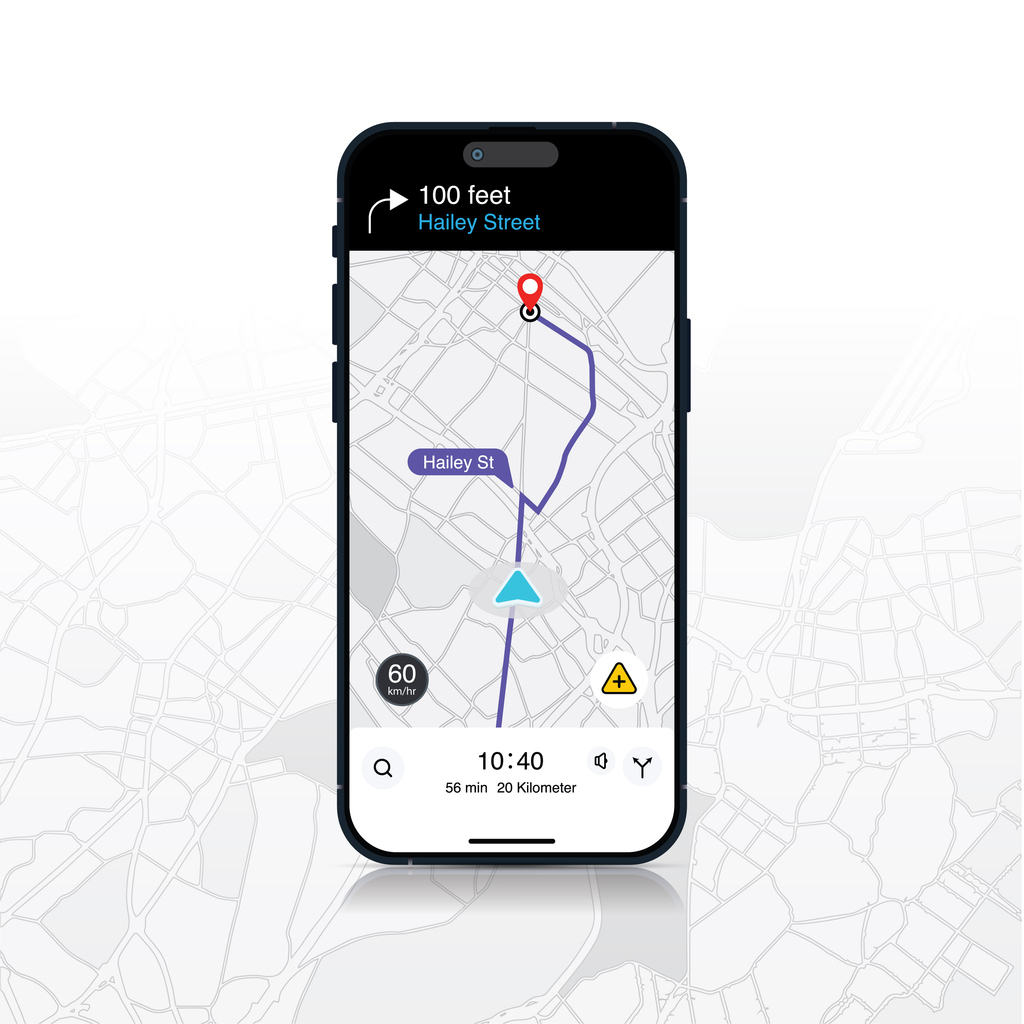
Uber runs around the clock in Lagos and is one of the easiest ways to get across the city without negotiating fares. This step-by-step guide shows first-time users, visitors and anyone who hasn’t used the app in a while how to book, pay and ride safely. It uses the steps and features on Uber’s own Nigeria pages, checked in September 2026.
Step 1: Download the Uber app and create an account
Install the Uber app from the Google Play Store or Apple App Store. According to Uber, “all you need is an email address and phone number” to create an account. You’ll get a verification code by SMS. Use a Nigerian number you can reach during the trip so the driver can call you.
Tip: add a profile name that matches how you’d want the driver to address you. Save your “Home” and “Work” addresses to book faster next time.
Step 2: Enter your pickup location
The app uses your phone’s GPS to suggest a pickup point. In Lagos, GPS can drift in dense areas such as Victoria Island, Ikeja GRA or Lekki estates. Drag the pin to a spot a car can actually stop at: a gate, a landmark or a main road rather than the middle of a closed estate. If your estate has a security gate, choose the gate as your pickup point and tell the guards you’re expecting a car.
Step 3: Set your destination
Type your destination in the Where to? box. Choose the exact address or a well-known landmark, such as a mall, bank branch or bus stop, so the driver doesn’t have to call for directions. You can add stops on the way if you need to pick someone up or run a quick errand. Extra waiting time may be charged.
Step 4: Choose a ride type
The app only shows the options available at your pickup point at that moment. Uber’s Nigeria site lists options including:
| Ride option | What Uber says it is | Good for |
|---|---|---|
| UberX | “Affordable rides, all to yourself” | Everyday solo or small-group trips |
| Uber Comfort | “Newer cars with extra legroom” | Longer rides, airport runs |
| UberXL | “Affordable rides for groups up to 6” | Families, groups with luggage |
| Uber Black | “Premium rides in luxury cars” | Business travel, events |
| Uber Reserve | “Book a ride in advance” | Early flights, important appointments |
| Hourly | “As many stops as you need in one car” | Errands, meetings across town |
Descriptions quoted from uber.com/ng ride options, checked 28 September 2026. Not every option is available in every part of Lagos at all times. The app shows what you can book.
Step 5: Confirm your ride
Before you confirm, the app shows an upfront price for each option. Uber says this is “based on the estimated trip time, distance from origin to destination, time of day, route, and demand patterns”, and includes tolls, taxes, fees and surcharges. Tap to request, then tap Confirm on your pickup point. The app matches you with a nearby driver and shows their name, photo, car, plate number and arrival time.
Want to know what a trip will cost? See our guides to how much a 20-minute Uber costs and how much a 30-minute Uber costs in Nigeria.
Step 6: Payment options in Lagos
Uber says that “depending on your region” you can pay by cash or with “a payment method like a credit card or Uber Cash balance”. In Lagos:
- Card: add a debit or credit card under Wallet. The fare is charged automatically at the end of the trip, so you don’t need to handle change.
- Cash: if cash is offered on your account, select it before you request. Carry smaller notes, because drivers may not have change.
- Uber Cash: a prepaid balance in the app, where available.
Check the final fare on your receipt. If something looks wrong, such as an unexpected toll, a wrong route or a cleaning fee, report it through the app’s Help section rather than arguing at the roadside.
Step 7: Track and complete your trip
- Match the car: Uber advises you to “match the license plate number”, the car make and model, and the driver’s photo before you get in.
- Verify your PIN: if PIN verification is on, give the driver the PIN shown in the app to start the trip.
- Share My Trip: send your live route to a friend or relative.
- GPS tracking and RideCheck: Uber says all trips are tracked by GPS, and RideCheck can flag an unexpected long stop.
- Emergency button: the in-app Safety Centre lets you call for help. In Nigeria the general emergency number is 112.
- Rate and tip: after the trip, rate the driver and add a tip in the app if you like.
Tips for using Uber in Lagos
- Avoid peak surges: prices rise with demand, especially on weekday mornings and evenings, when it rains and on Friday nights. Waiting a little can bring the price down.
- Book early for flights: use Uber Reserve (up to 30 days ahead) for early-morning airport runs. Leave extra time for Lagos traffic. Arriving at the airport? Read our Lagos airport pickup guide.
- Stay in the app: don’t agree to end the trip early and pay the driver off-app. You lose GPS tracking, insurance cover and the receipt.
- Call ahead in estates: a quick call or message to the driver saves time at estate gates and in one-way streets.
- Keep the driver’s details: if you leave something in the car, report it through the app’s Help section. See our guide on contacting Uber support in Nigeria.
Why use Uber in Lagos, and when to use something else
Uber gives you upfront prices, cashless payment and trip tracking, which is useful in a city where negotiating with taxis can be stressful. It isn’t always the best fit, though. If you need the same driver all day, a car for a wedding or a long intercity trip, a private driver in Lagos or a pre-booked car is often easier to manage. For premium rides, compare Uber Black alternatives. If you’re thinking of driving for Uber, see the list of cars accepted by Uber Nigeria and Travo’s vehicle investment options.
Need a dedicated driver instead?
Book a car and driver on Travo for errands, airport runs, events or intercity trips. See the price before you confirm, or chat to us on WhatsApp.
Frequently asked questions
How do I order an Uber for the first time?
Download the app, sign up with your phone number and email, enter your destination in “Where to?”, confirm your pickup, choose a ride option and request. Check the car and driver details before you get in.
Can I pay for Uber with cash in Lagos?
Uber says cash is available depending on your region. If your account shows cash as a payment option, select it before you request the ride. Otherwise, add a card or use Uber Cash.
Can I book an Uber for someone else?
Yes. Uber offers guest rides, so you can request a trip for another person. Share the driver details with them so they can check the car.
Can I schedule an Uber in advance in Lagos?
Yes. Uber says you can reserve a ride up to 30 days ahead with Uber Reserve. It’s useful for early flights.
How do I know I’m getting into the right Uber?
Match the plate number, car make and model, and driver photo with the app. If PIN verification is on, only start the trip once the driver enters your PIN.
Why is my Uber price higher than usual?
Upfront prices reflect time of day, route, traffic and demand, plus tolls and fees. Prices rise at busy times and in the rain.
Related guides
- How much does a 20-minute Uber cost in Nigeria?
- Uber support in Nigeria: how to get help
- Join a Bolt fleet in Nigeria
- Car hire service in Lagos
Sources: Uber Nigeria, “How it works”, “Safety” and “Ride options” pages (uber.com/ng); Uber Lagos city page (reservations up to 30 days ahead, emergency assistance); Wikipedia, List of emergency telephone numbers (Nigeria 112). All checked 28 Sep 2026. Travo is not affiliated with Uber. Fares and prices change often — confirm before you travel or pay.
