
Update, 2 October 2026: Uber has left Nigeria
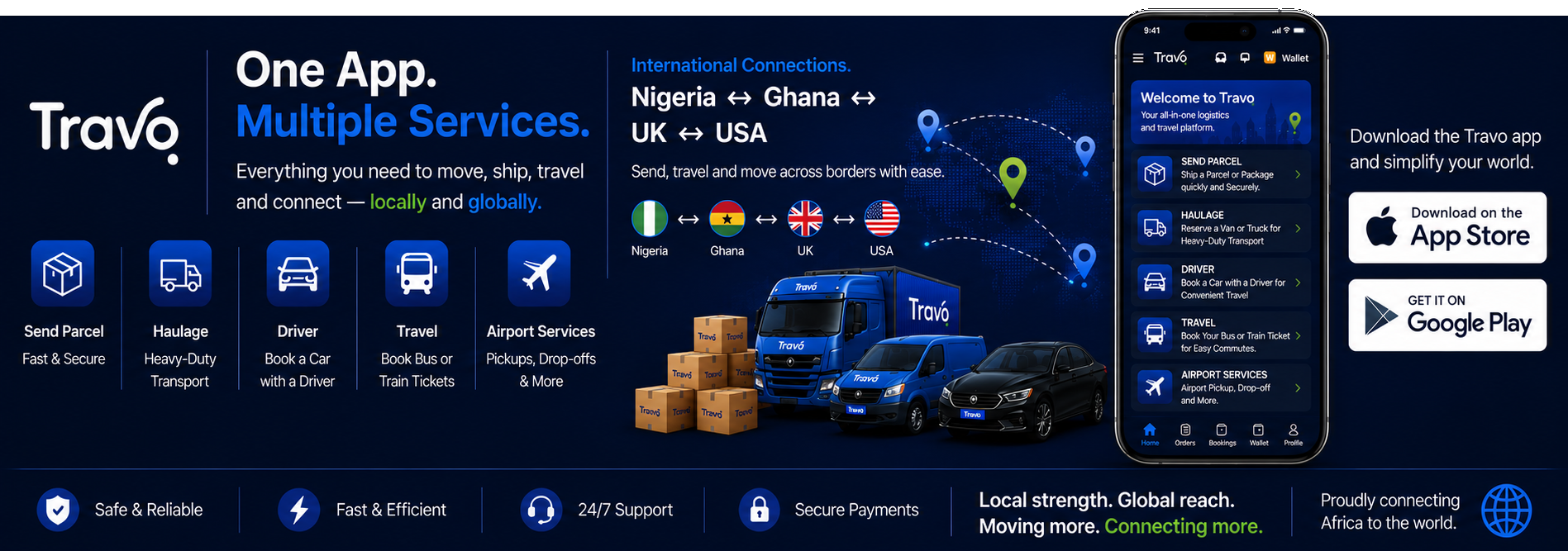
Uber stopped operating in Nigeria on 2 September 2026, so the Uber app no longer takes rides, deliveries or new drivers here. Where this article mentions Uber, use another option instead. Bolt and inDrive still operate, or you can book a vetted driver on Travo. Compare options in our guide to Uber alternatives in Nigeria.
Bolt Nigeria is a popular ride-hailing service for passengers looking to book rides through a mobile app. Bolt is currently available in Nigerian cities including Lagos, where passengers can request rides to destinations across the city.
How to Download Bolt Nigeria
The Bolt app is available for both Android and iPhone users. To download it:
- Open Google Play Store or Apple App Store.
- Search for “Bolt: Request a Ride”.
- Select the official Bolt app.
- Install the application.
- Open the app and create your account.
- Enter your phone number and other required details.
- Add your preferred payment method where available.
Bolt also provides the app through Huawei AppGallery.
How to Book a Bolt Ride
After registration, enter your pickup location and destination. The app will show available ride options and an estimated fare. Select your preferred option and request a driver.
Passengers should always check the driver’s name, vehicle details and registration number before entering the car.
Bolt Nigeria for Drivers
People who want to drive with Bolt can use the separate Bolt Driver app and complete the required registration and vehicle verification process. Requirements can vary by city.
Bolt in Lagos
Bolt operates in Lagos and provides rides around the city, including transportation to and from Murtala Mohammed International Airport.
How Travo.ng Can Help
Travo.ng can help travellers understand transportation options across Nigeria, including ride-hailing and airport transfers.
If you are looking for an Uber alternative, downloading Bolt is one option to consider for booking rides in Nigeria.
