


Corporate travel management software should help employees arrange the travel they need while giving the organisation clear control of approvals, spending and support. The useful result is a workable journey and a reliable finance record, not simply a dashboard full of bookings.
This guide helps travel managers, finance teams and HR or operations teams evaluate an employee travel booking platform, corporate flight booking tool, policy engine and travel expense integration. It explains the workflows to specify when discussing company travel with Travo.
Start with how the company actually travels
List common routes, monthly trips, traveller groups, hotel nights, cabin needs and ground transfers. Include executive trips, field assignments, conferences and urgent journeys. Identify where bookings currently happen and which problems cause delays or extra spending.
Ask whether the proposed tool covers flights, hotels and transport in the locations your staff use. A content catalogue should be demonstrated on representative journeys, including the support needed after booking.
Travel policy compliance tool
Translate policy into clear rules for cabin class, fare caps, preferred suppliers, hotel limits, advance booking and exceptions. Decide whether an out-of-policy result is hidden, flagged or sent for approval. Employees need to understand the reason and the next step.
A cheaper fare with poor change conditions may be unsuitable for a trip whose dates can move. Make flexibility and the complete trip cost part of the decision. Policy should support the business purpose as well as control the headline price.
| Workflow | Question to settle |
|---|---|
| In-policy booking | Can the employee complete it directly, and who is notified? |
| Exception request | What reason and evidence does the approver need? |
| Urgent travel | Who can authorise it when the usual approver is unavailable? |
| Changed fare during approval | When must the offer be repriced or approved again? |
| Cancellation or amendment | Who approves costs and owns the servicing request? |
Travel approval workflow software
Define approvers by employee group, department, value or trip type. Establish delegates, escalation and the handling of absent managers. A fare selected for approval may expire, so the system should not promise that approval reserves a seat unless the actual booking arrangement does so.
Record the request, decision, timestamps and the price ultimately booked. If the itinerary changes materially, specify whether another approval is required. Keep the audit trail understandable to finance and the traveller.
Employee booking and traveller profiles
A platform needs accurate traveller names, contact details and preferences, plus appropriate handling of travel-document information where needed. Set access permissions and a process for corrections. Booking for a colleague should not give unrestricted access to all company travellers.
Explain the supported booking channel and how staff get help. A convenient mobile experience matters, but it should show the same fare conditions, approvals and servicing status as the desktop portal.
Duty of care and travel tracking
A duty-of-care travel tracking system can use itinerary information to help identify travellers affected by disruption. Itinerary data is not necessarily a live location feed or confirmation that a person boarded. Ask what the data represents and how frequently it is updated.
Agree the response process: who monitors alerts, contacts affected staff, arranges assistance and records follow-up. Include an alternative contact route when a traveller cannot access the usual app. Software visibility needs a responsible team behind it.
Business travel reporting software
Request reports by department, traveller group, trip, route, supplier and period. Agree how bookings, cancellations, service fees, refunds and unspent credits are counted. A report of booked spend is different from actual settled expense.
Use consistent definitions for policy exceptions, advance-booking behaviour and unused tickets. Let finance trace an aggregate figure to the relevant transactions. Claimed savings should explain their comparison baseline rather than subtract a hypothetical expensive fare.
Travel expense integration API
Map employee and department identifiers, cost centres, projects, invoice references and currencies. Identify the source of each field and which system corrects errors. Booking charges and out-of-pocket expenses may have different evidence and approval requirements.
Test a cancellation, partial refund, amended ticket and a trip charged across cost centres. Agree export or API formats, access controls and reconciliation responsibility. Read the travel payments and back-office guide for related transaction and invoice questions.
Enterprise integration and supplier evaluation
Specify whether you need a standalone portal or integration with HR, identity, finance and an existing travel platform. Ask for a demonstration using your proposed policy and example trips. An approval feature in a product brochure does not prove it matches your organisation’s structure.
Amadeus’s Cytric overview provides an official example of travel and expense technology combining booking, policy and related capabilities. Evaluate each proposed solution on its actual supported scope rather than assuming all products work alike.
How Travo can assist your company
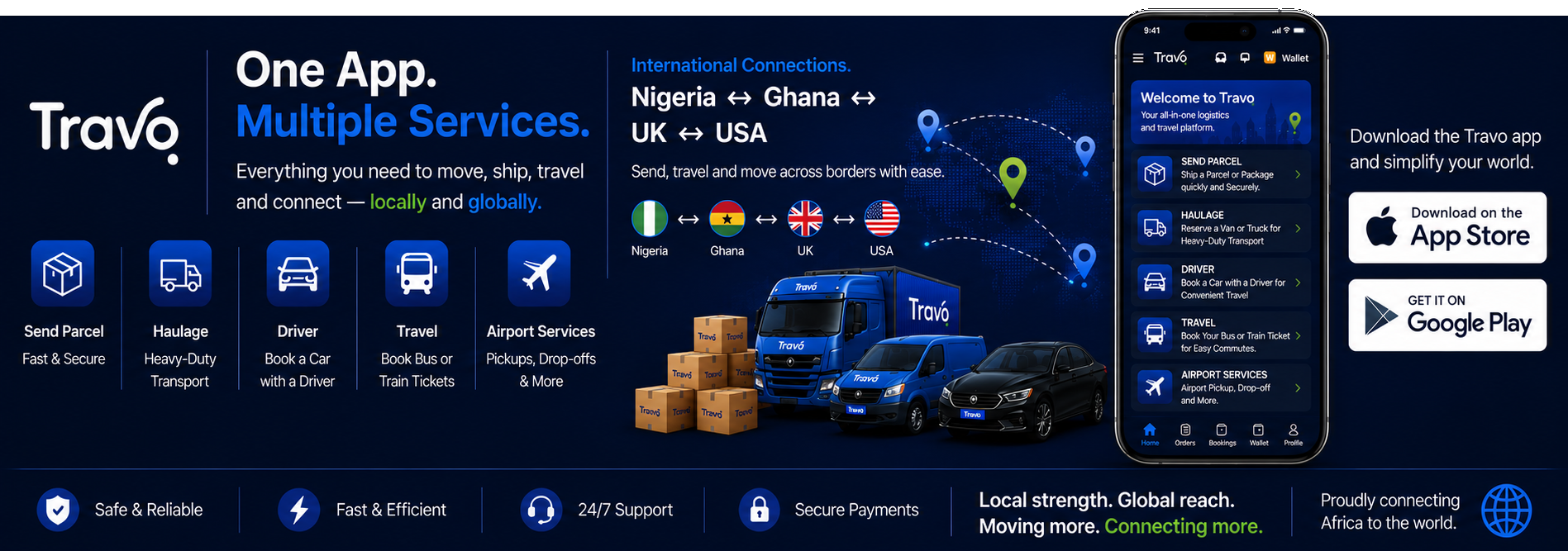
Travo’s corporate travel page describes company booking, traveller profiles, policy configuration, approvals, reporting and consolidated Naira invoicing. It also sets out account support and assistance with disruptions. Use the current proposal to agree the arrangement for your company.
Send your requirements with routes, approximate trip volume, departments, approvers, preferred billing and the systems you want connected. Request a walkthrough covering a normal booking, an exception and a changed itinerary.
If the goal is to build a new booking interface, consult the white label and enterprise travel platform guide. For multiple travel products, the hotel and package integration guide helps specify the handovers. The developer page documents the public quote interface; an expense or enterprise connector needs separate confirmation.
Travellers arranging a time-sensitive trip can use the flight price comparison and urgent-booking guide. For automation requirements, review the travel analytics and notification guide alongside the company’s response process.
Turn the travel workflow into a coordinated booking
For actual staff trips, use our group, crew and corporate flight booking guide to prepare dates, passenger counts, approvals and invoice requirements. Finance teams can review Naira flight payment and ticketing questions; sustainability teams can use flight emissions and carbon offset guidance to specify the evidence required for reporting.
