
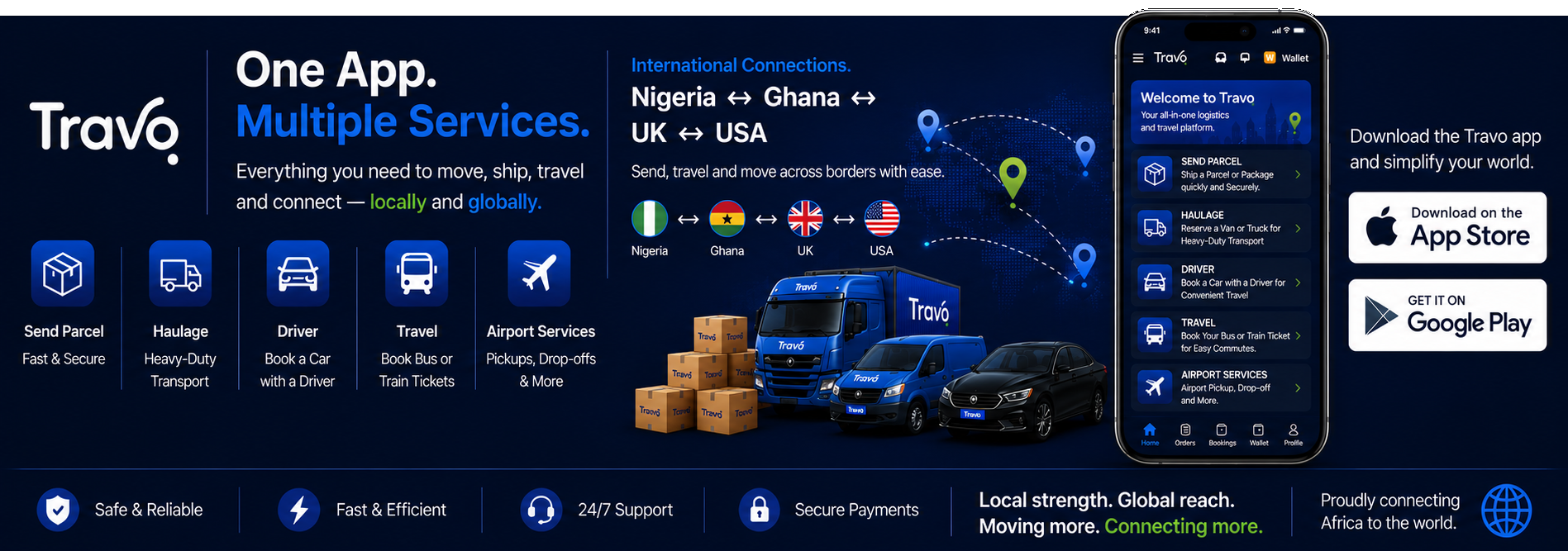


A flight booking API should support the journey from finding an itinerary to issuing and servicing the ticket. If you are building a travel website, agency portal or corporate tool, the important question is not simply whether flights appear in a search. It is whether the integration can price, book, fulfil and support the routes your customers need.
This guide is for developers, travel agents and businesses evaluating an airline ticket booking API, flight reservation system API or travel booking API provider. It explains the capabilities to request and how to prepare a useful enquiry with Travo.
Flight search, availability and pricing are different steps
A flight search API returns options matching dates, airports, passenger types and other criteria. A real-time flight availability API or pricing step then needs to establish whether the selected offer remains available at the current price. Results can expire or change before purchase.
Low fare search and airfare comparison should compare equivalent products: baggage, cabin, stops, change conditions and total payable. The first result is not automatically the cheapest workable trip once extras and ground connections are included.
| Capability | What to demonstrate |
|---|---|
| Flight search API | Representative routes, dates, passengers and airline content |
| Flight pricing API | Reconfirmation, currency, taxes and fare conditions |
| Reservation and PNR creation | Booking reference, status, time limits and passenger validation |
| Ticketing | Actual fulfilment, document numbers and failure handling |
| After-sales | Supported changes, cancellations, refunds and escalation |
A booking reference does not establish ticket issuance
PNR creation records a reservation; ticket issuance is a further fulfilment step in traditional workflows. Establish who has ticketing authority, who issues the ticket and how your application confirms the result. Do not show “ticket confirmed” solely because payment succeeded or a reservation reference exists.
Amadeus’s official flight guide separates search, price confirmation, order creation and management, and notes that the booking flow needs an arrangement for issuing tickets. This illustrates why evaluating one endpoint cannot establish the whole process.
IATA ticketing API and agency arrangements
“IATA ticketing API” can describe different commercial arrangements rather than one universal ticket-issuing product. Ask whether you need your own accreditation and airline authority or use an agreed consolidator or ticketing partner. Identify responsibility for issuance, settlement, refunds and disputes in the proposed contract.
IATA’s Billing and Settlement Plan explains the framework for sales reporting and settlement between participating airlines and accredited agents. API access by itself does not grant airline ticketing authority or establish Travo’s accreditation status.
PNR management, reissue and cancellation APIs
Request demonstrations of retrieving a booking, recognising its latest state and handling the supported post-booking actions. A flight reissue API may require fare recalculation, additional payment and confirmation of a new ticket. Cancellation can mean cancelling an unticketed reservation, voiding where permitted or starting a refund process; these are different outcomes.
Ask which actions are automated for each airline and which need an agent. The system should explain fees, fare differences, deadlines and pending requests before the traveller commits. A cancellation response is not proof that money has reached the customer.
Fare rules, branded fares and airline ancillaries
A fare rules API should help present change and refund conditions in language the customer can understand. Branded fares should show what the upgrade adds, including baggage or flexibility where actually provided. An airline upsell API needs accurate product descriptions rather than simply a more expensive fare label.
For seat selection and baggage add-ons, establish eligibility, availability, price and fulfilment for the itinerary and passenger. A seat map does not guarantee that a selection has been purchased or retained after an equipment change. Confirm how ancillary documents and refunds are handled.
Multi-airline content and coverage checks
Test the airline and route mix you intend to sell, including one-way, return and multi-city itineraries. Clarify content sources, fare exclusions, booking limits and passenger types. “Global coverage” should be translated into evidence for your particular market.
Separate a travel search integration that redirects customers elsewhere from an API that takes and services bookings in your application. Metasearch, an agency booking engine and airline inventory access have different responsibilities.
Developers: design for uncertain outcomes
Ask about authentication, test environments, rate limits, offer expiry, event notifications and supported retry behaviour. Keep credentials on the server. Record internal order, supplier and payment references so support can reconcile a payment with the actual reservation and ticket status.
Test a price change, an expired offer, payment failure, a timeout after booking submission and a schedule change. Agree how to check the outcome before retrying an uncertain booking request. Duplicate reservations and duplicate charges are avoidable problems when status handling is planned.
Flight API evaluation checklist
Discuss your travel integration with Travo
Send Travo your integration brief: business model, target markets, airlines, expected search and booking volumes, payment currencies and required servicing features. Request the current technical and commercial scope for the proposed flight-booking solution.
The public Travo developer page documents service quoting for transport and logistics. Use it for that published scope and obtain separate confirmation of airline search, reservations and ticketing capabilities. The corporate travel service is relevant for organisations seeking managed travel rather than building every workflow themselves.
For travellers ready to plan an actual trip, visit Travo’s flight deals hub and confirm the available fare for your dates before paying.
Plan the connected travel workflows
For the customer interface and content sources, use the white label, GDS and NDC platform guide. Connect fulfilment to the travel payment and agency back-office workflow, and plan notifications with the travel analytics and flight-alert guide.
